Personal projectLive
Presse-Vue
Paste anything, see it big: an image, text or a file, right in the browser.
- Role
- Design and development
- Period
- November 2026
- Stack
- Next.js 16, React 19, TypeScript, Tailwind CSS 4, IndexedDB

01The problem
On Windows, an image copied from Word, a PDF or a web page stays “stuck” in the clipboard: you can only see it by pasting it into an app that accepts images. Presse-Vue is that app, with nothing to install.
02What I built
- Images: smooth wheel or pinch zoom, drag to pan, full screen and actual size.
- Real resizing: a new size in pixels, then copy, save or add to the history.
- Word and web content: formatted preview, plain text and HTML code.
- Text: character, word and line counts, formatted JSON, color previews.
- Local history of the last 60 items, keyboard shortcuts, light and dark themes.
03Screens
Swipe through the screens.
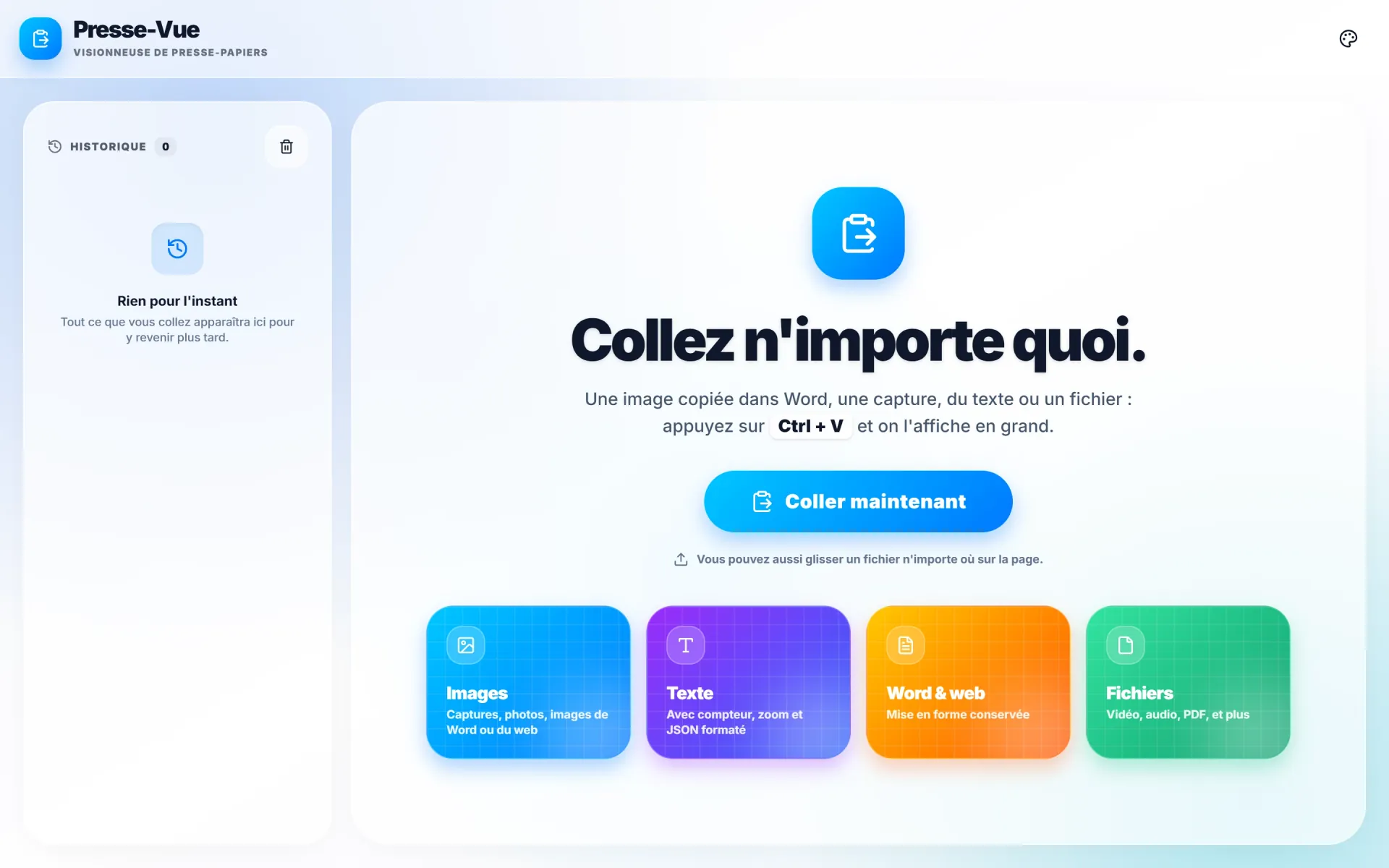
Home screen: “Paste anything” 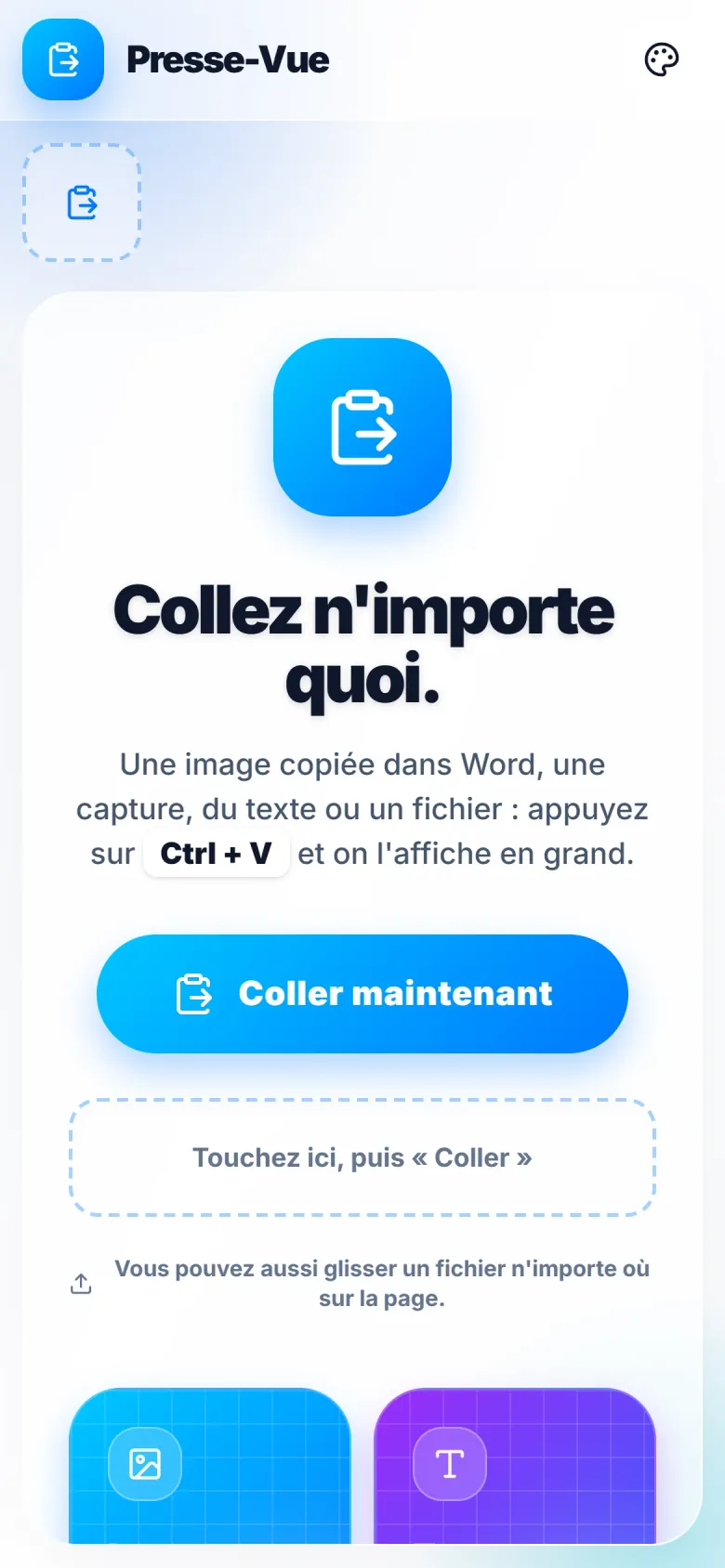
Presse-Vue on a phone 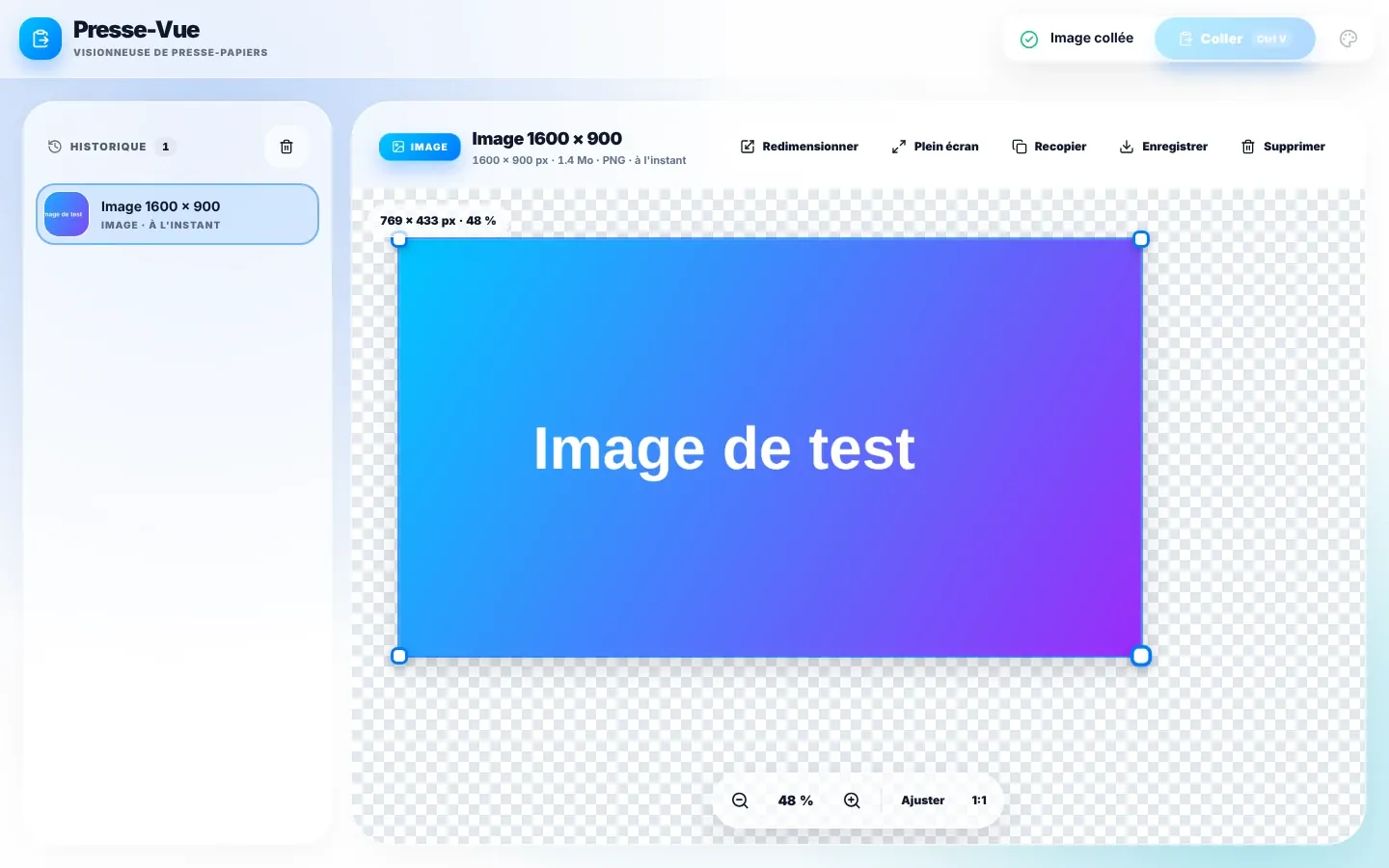
A pasted image, with zoom and resize handles 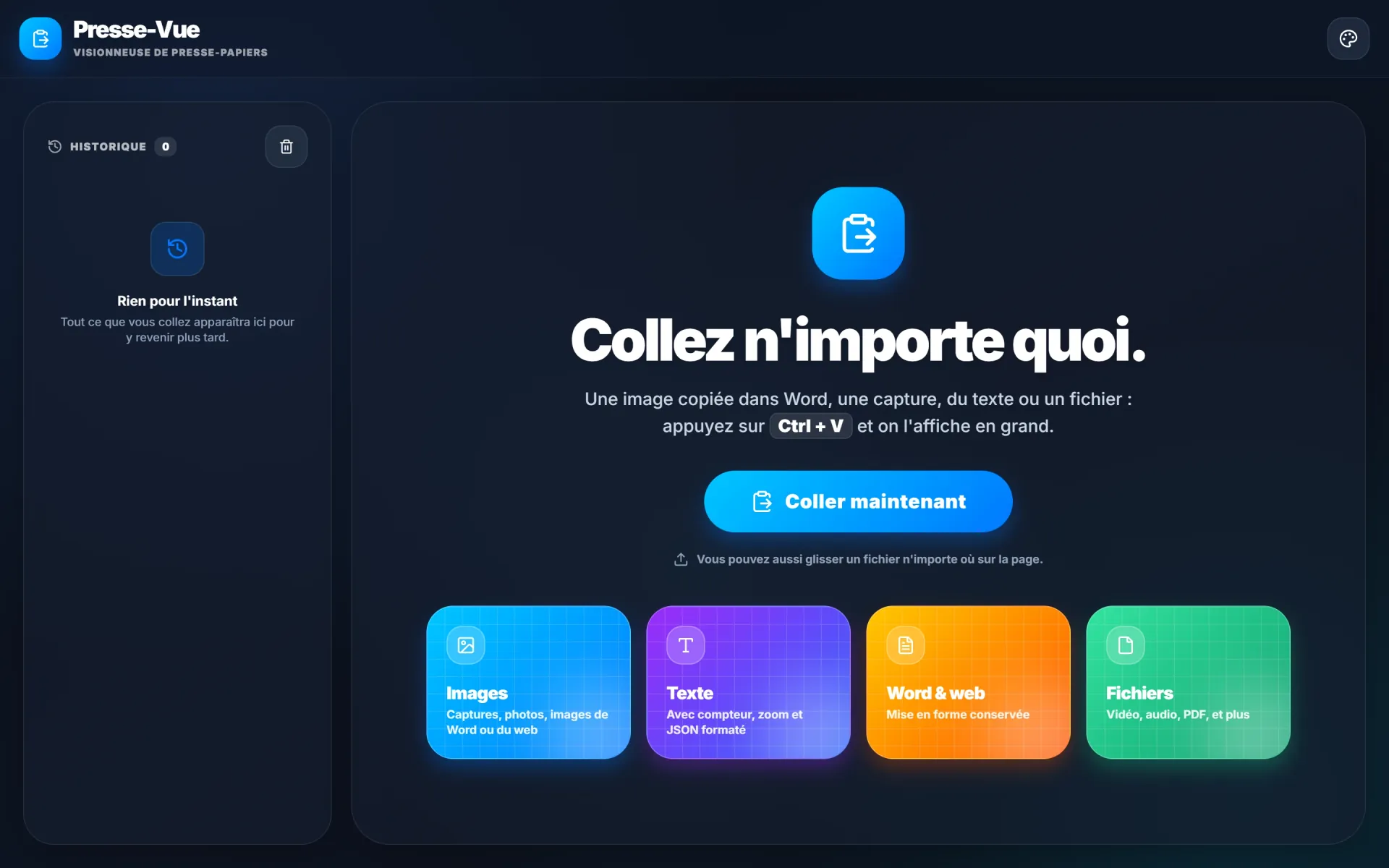
The same screen in dark mode


Presse-Vue live: home screen in light and dark mode, and on a phone.
04Architecture
- 01Ctrl + VImage, text or file
- 02ParsingBrowser clipboard
- 03ViewerrequestAnimationFrame
- 04HistoryIndexedDB
05Decisions
- 1The viewer drives zoom and panning outside React, in a requestAnimationFrame loop: no re-render during a gesture.
- 2Everything happens in the browser: the history stays on the device, nothing is sent over the Internet.
- 3Static export, published automatically to GitHub Pages on every push.
06Where it stands
Live and usable with nothing to install, on desktop and on mobile.